UI Design: Bookmark Manager Prototype
Goal: Identify a problem that can be solved through interactive design, and create an interactive app or website that solves that problem, keeping users experience in mind.
Tools
Figma
Year
2024
Course
Designing for Interactivity
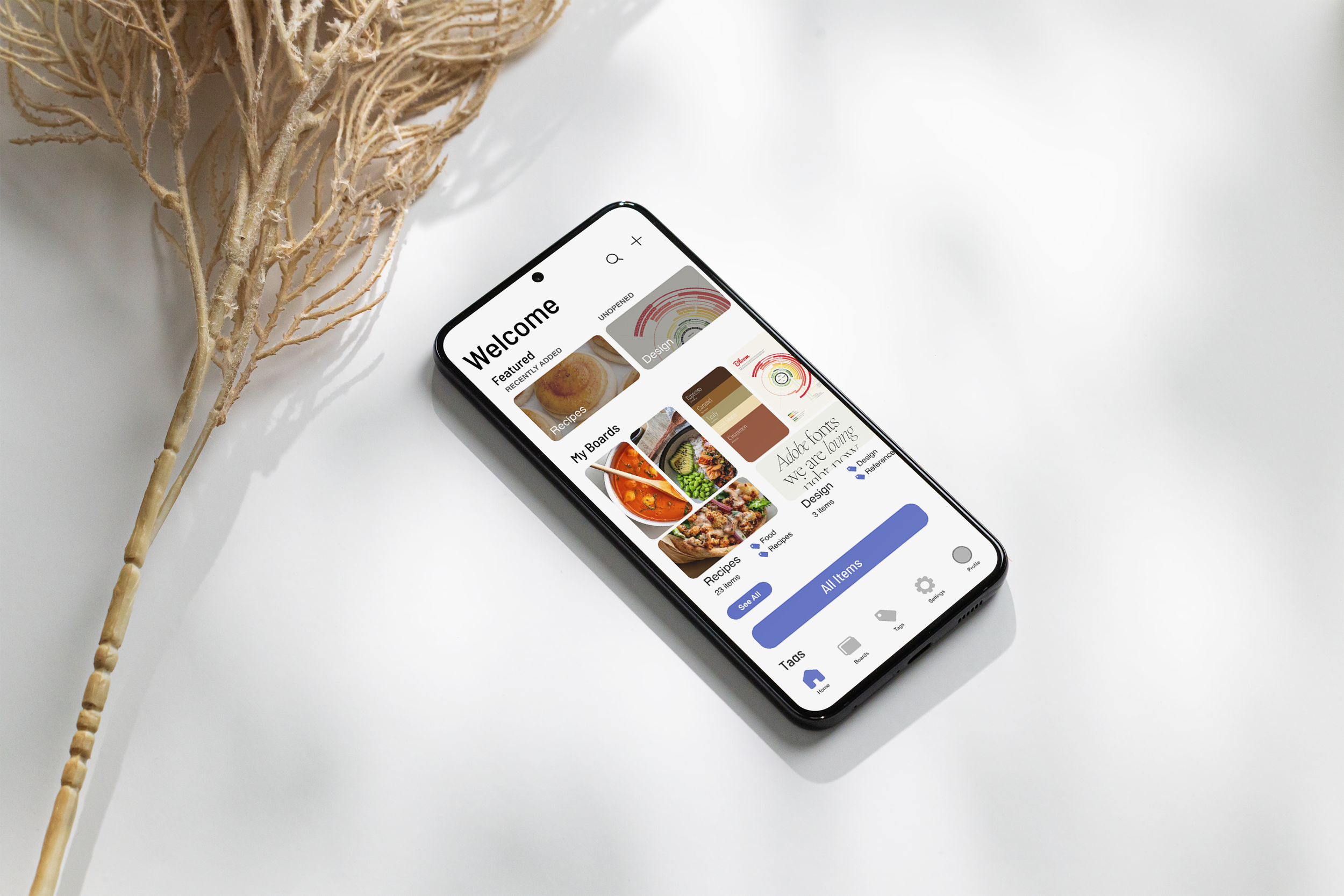

The goal of this project was to identify a problem that would be helped by interactive design, and to create a working prototype of an app, website, or other form of interactive design that addresses that problem. The problem I identified was a lack of adequate bookmark managing systems for designed for mobile use. Many people, myself included, save many kinds of media across multiple platforms and social media sites, and the existing mobile options do not allow for enough customization or support visual media. My solution is a bookmark manager app called Keepsake.
Design Process
Proposal & Planning
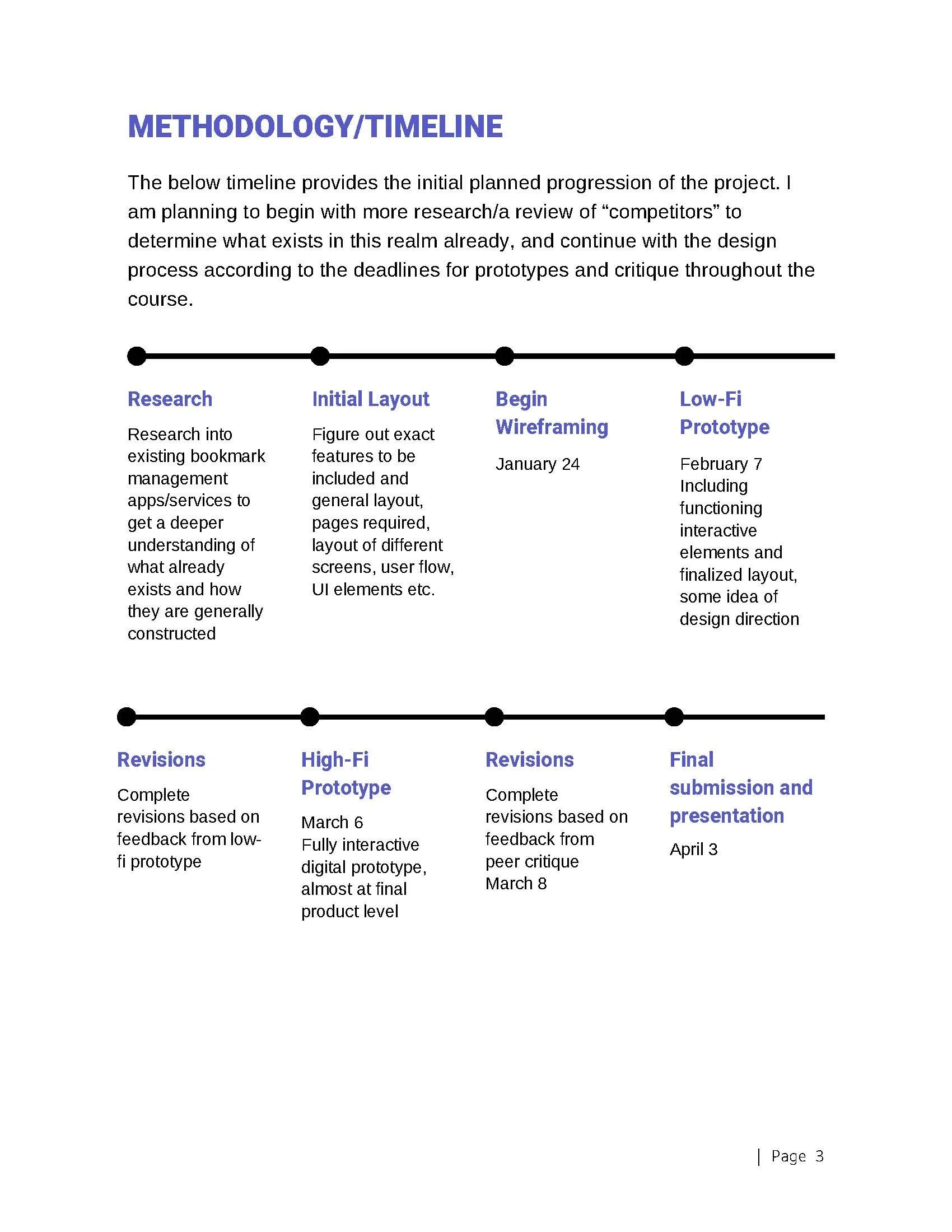
The first step for this project was to draft a project proposal outlining the problem to be solved, the proposed solution outcomes, project goals, audience, and expected timeline.
The goals I outlined for this project were to create a bookmark and media management app that supports both a high level of customization and organization, and makes saved content visual and easily accessible to the user. The aim was to design specifically for mobile use in order to fill the gap that I had identified within this type of app/service.

High Fidelity Prototype

Low Fidelity Wireframes
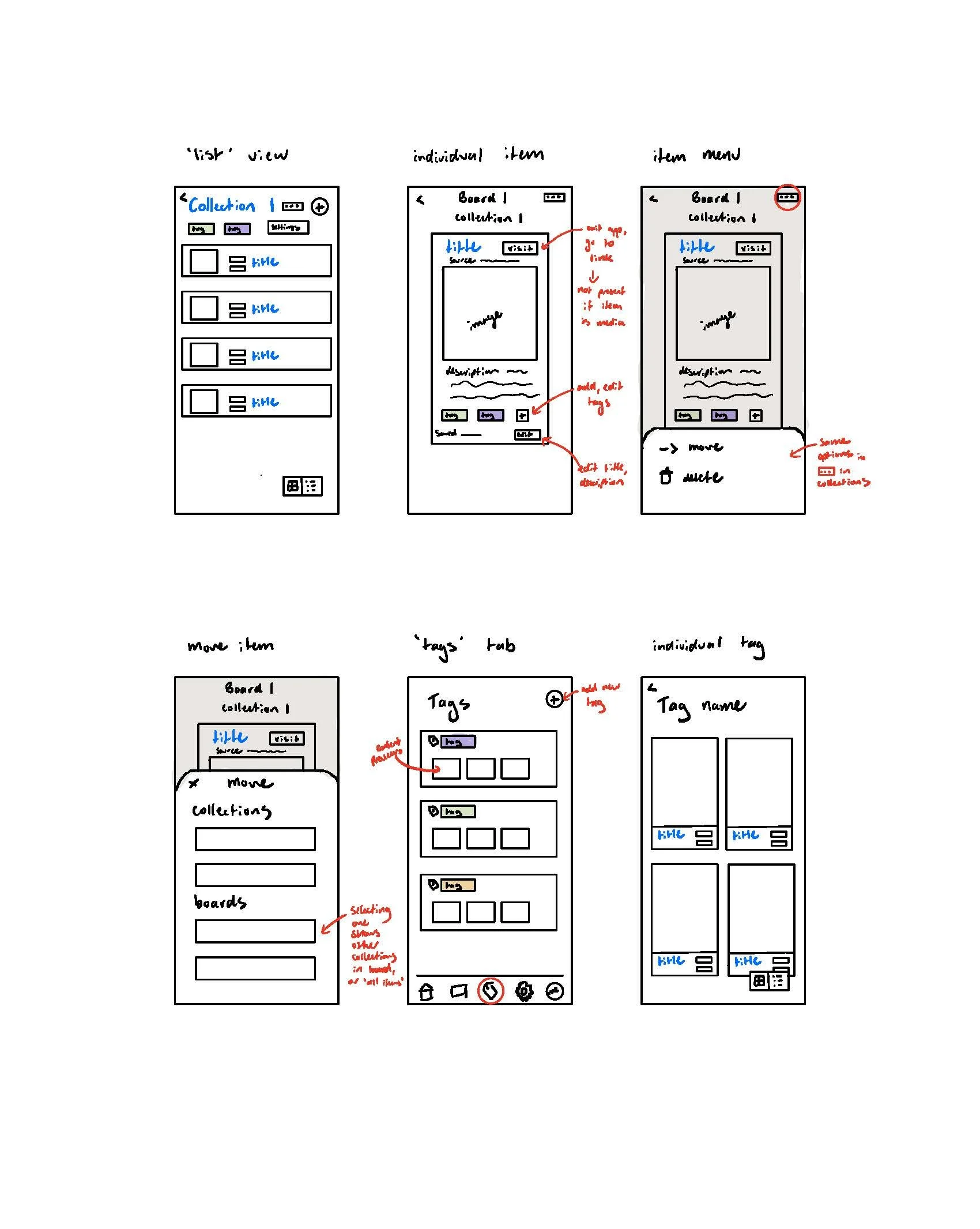
With an idea of the pages I needed to develop, I began sketching wireframes of what the layouts of pages would look like. Here I was less concerned with the visual end result, and more focusing on layout design and how interactive elements would work. At this stage, I wanted to ensure I had accounted for every action users could take and had a plan for what that would look like. Actions that could not be drawn out are explained in red.

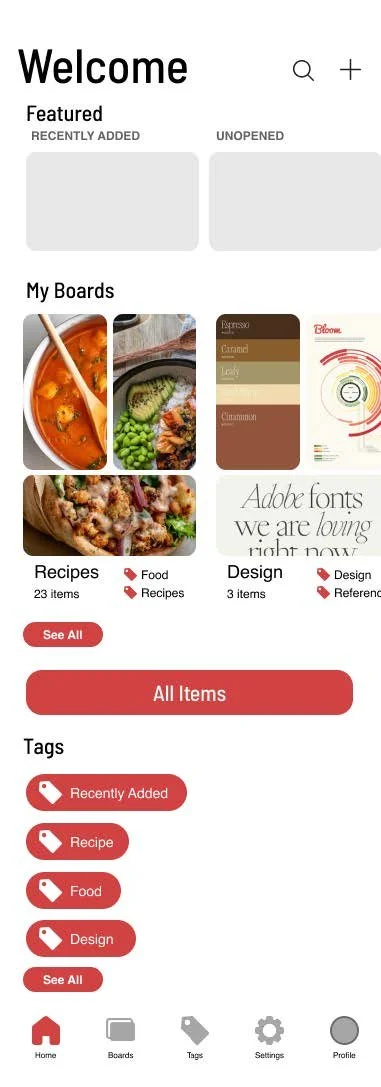
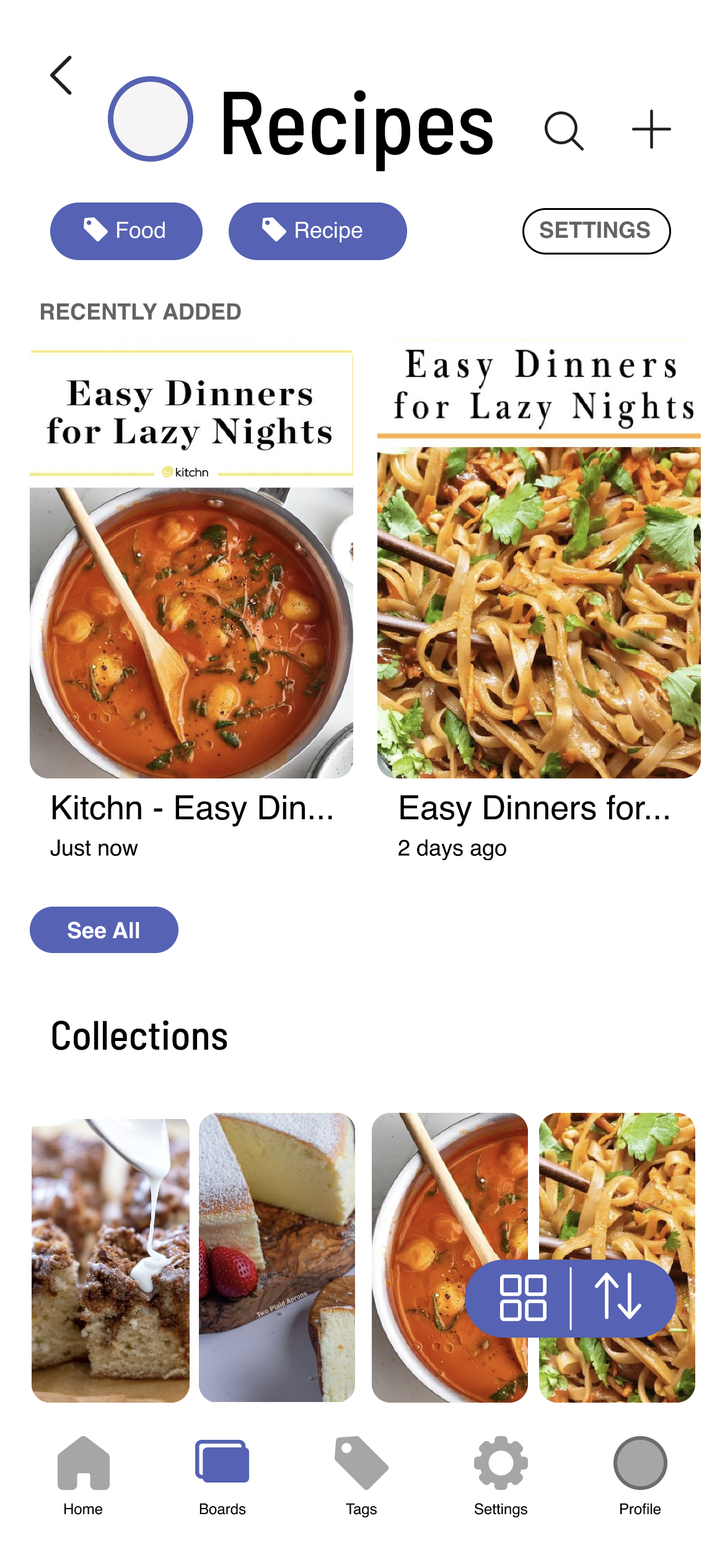
I then took the wireframes into Figma and began to develop them into more fully designed screens. I also implemented some of the feedback I received on the wireframes and developed additional user tasks, such as the process of saving a bookmark from an external source into the app. At this stage, I was preparing to present an almost complete, working prototype to my peers.
I created screens and task flows for most of the major tasks that can be completed in the app at this stage, including adding bookmarks and media, creating Boards, searching, and viewing Boards, items, settings, and profile. I also created a drag and drop process to demonstrate the manual sorting feature for Boards, Collections, and tags. At this stage I also decided on design elements like typeface, button design, and overlay menus, as well as designing my own icons. This was my first time using Figma, so I also had to figure out how to make things like scrolling and interactions work so I could demonstrate my app for the presentation. I determined how content previews with images would work, and developed a few as examples.
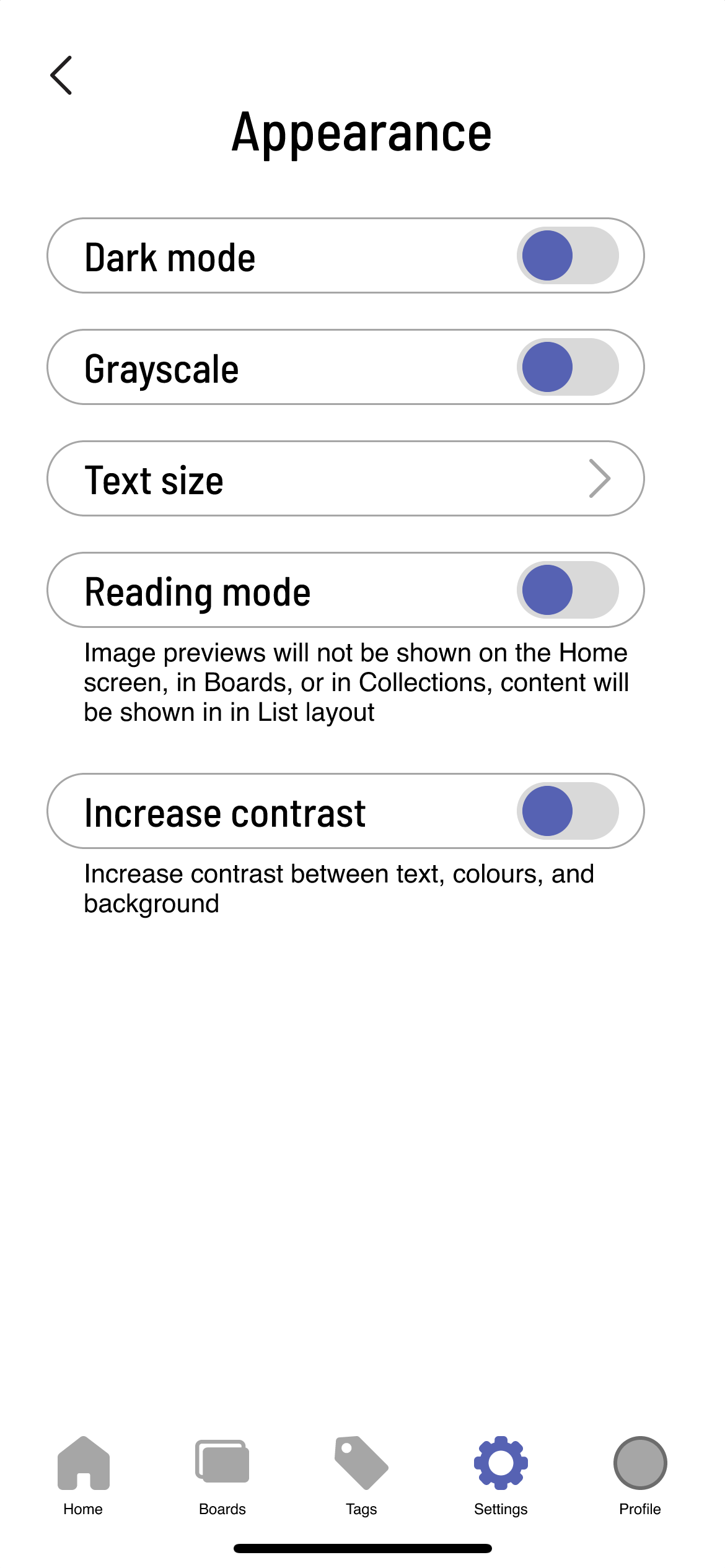
I received additional feedback from my peers after demonstrating the prototype that I was able to implement in the final version, including developing a sign-in process and adding more considerations for accessibility.
Final Product:
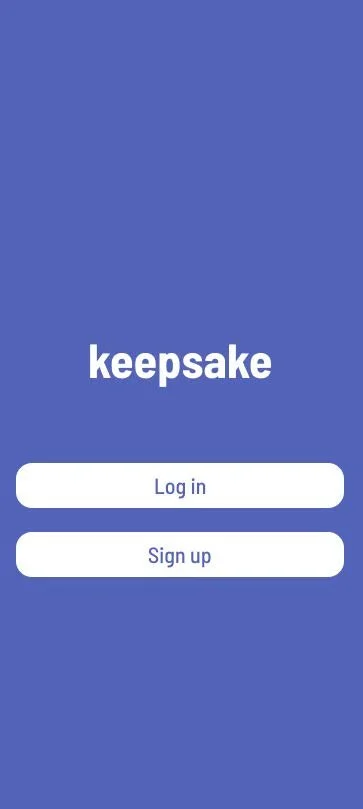
The final product for this project was a fully developed working prototype of my bookmark and media manager app, developed in Figma. As seen in the video demonstration, some pages are still left without placeholder content, just due to time constraints with this project being coursework. I instead focused my time on creating working interactions and task flows, and ensuring all actions were fleshed out in my prototype.
At this point I also completed a rough user journey flowchart describing all possible actions I could think of that I wanted users to be able to take in the app, and what screens and options they would need to complete them. This gave me a starting point for what pages and actions I needed to develop.